


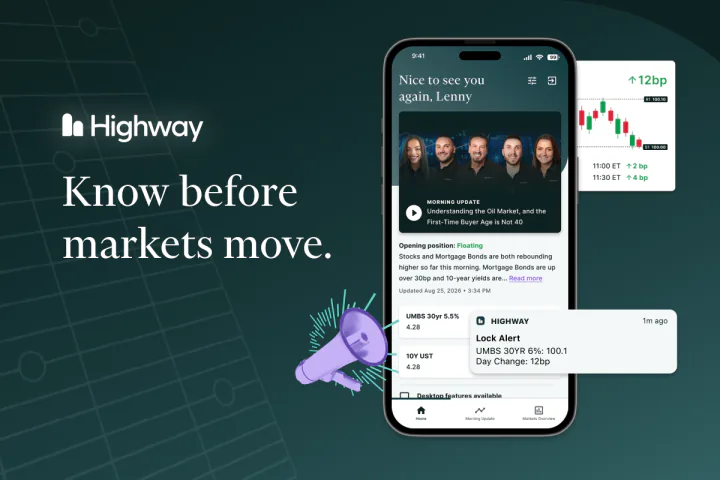
Know before markets move — Highway app on phone

MBS Highway, Now in Your Pocket

The Highway app puts the insights, tools, alerts, and resources you use every day right at your fingertips. Check the latest market updates, stay on top of rate movement and get the information you need to have more confident conversations with clients – anytime, anywhere.

Download on the App StoreGet it on Google Play

Why download the Highway app?

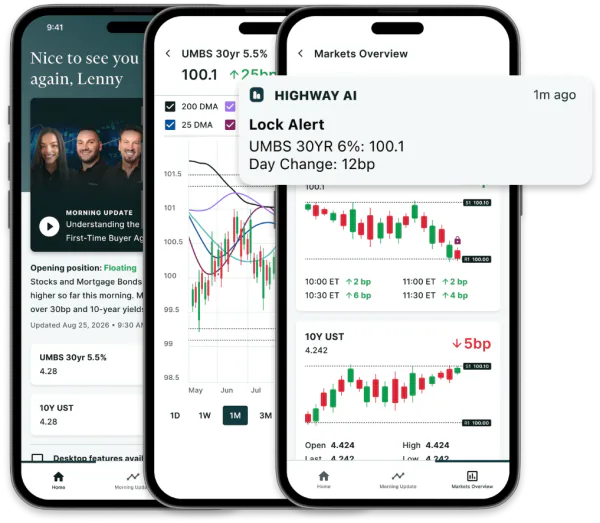
Highway app screens — Morning Update, charts, and lock alerts

• Watch the Morning Update every day right from your phone

• Get push notifications for lock alerts so you can serve your customers right away

• Access live market data anywhere you go

How to Download the Highway App

Already an MBS Highway subscriber? Getting started takes just a few minutes.

1. Download from the App Store

For iPhone users:

Step 1: Open the App Store on your iPhone.

Step 2: Search for Highway.

Step 3: Select the official Highway app.

Step 4: Tap Get to download the app.

Step 5: Once the download is complete, open the app and sign in using your MBS Highway credentials.
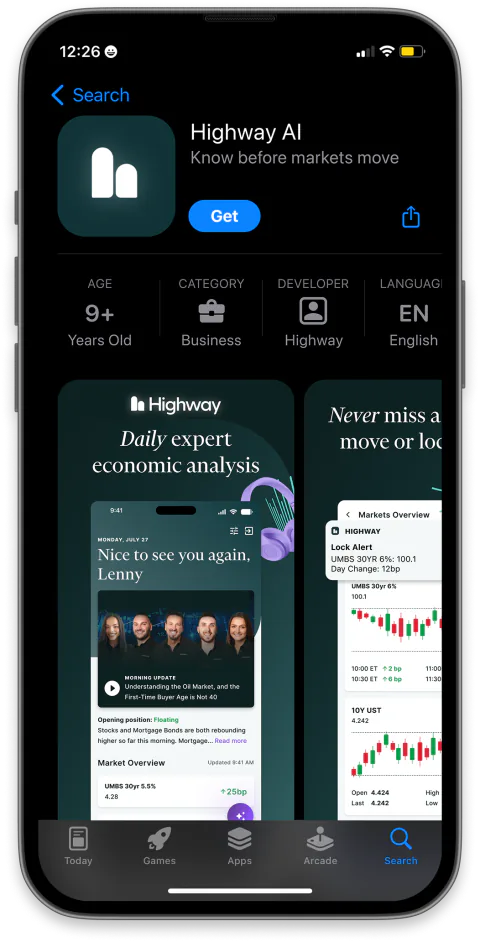
Highway AI on the App Store
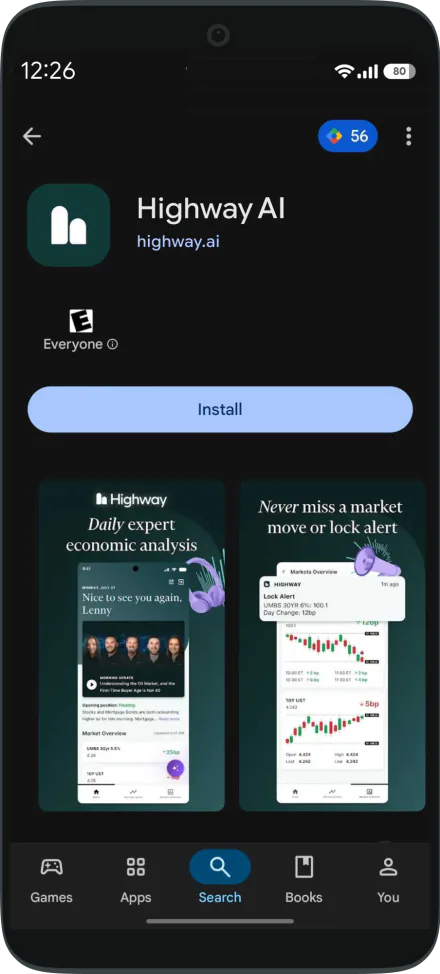
2. Download from Google Play

For Android users:

Step 1: Open the Google Play Store on your Android device.

Step 2: Search for Highway.

Step 3: Select the official Highway app.

Step 4: Tap Install to download the app.

Step 5: Once the download is complete, open the app and sign in using your MBS Highway credentials.

Highway AI on Google Play

Questions?

Read our help article or email us at support@highway.ai.